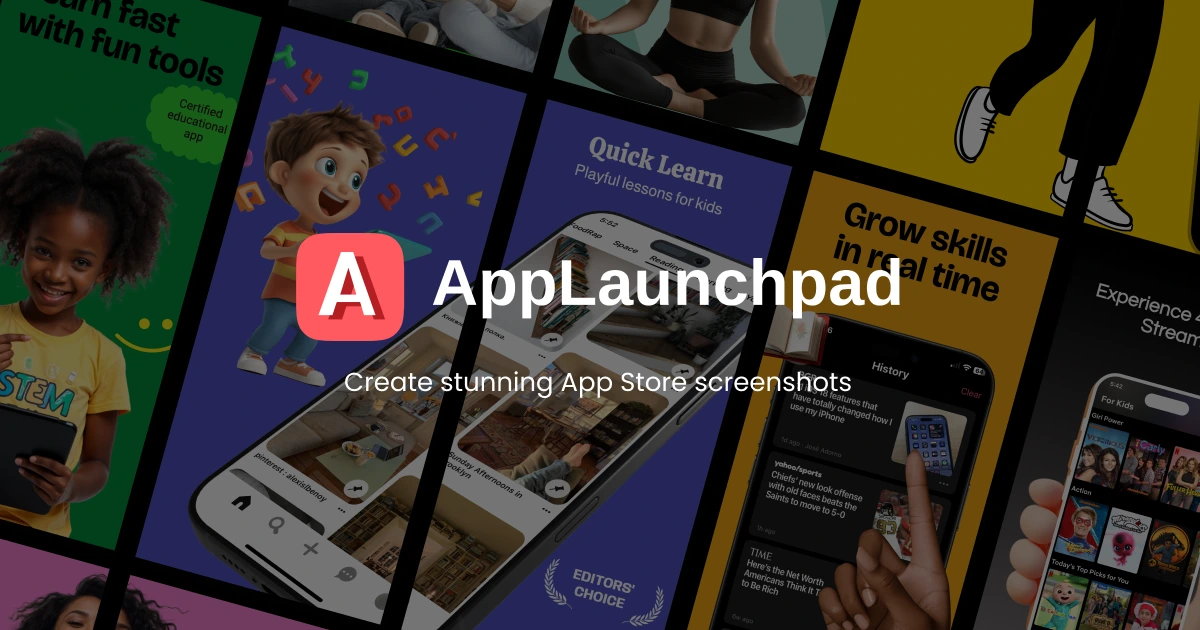
AppLaunchpad
Screenshot generator for creating customized App Store and Google Play images in required resolutions for iOS and Android apps.
Key Features
- ✓Generate app screenshots in App Store and Google Play required resolutions
- ✓Real device frame mockups for iOS and Android
- ✓Customizable screenshot templates and designs
- ✓Export images optimized for app store galleries
AppLaunchpad: App Store Screenshot Generator
If you have ever submitted an app to the App Store or Google Play, you already know the screenshot tax: Apple and Google each require images at specific resolutions, in multiple sizes, for every device class you want to support. Doing this manually in Figma or Photoshop is tedious and error-prone. AppLaunchpad is a browser-based tool built specifically to handle that problem, letting developers produce store-ready screenshots without needing design skills or a dedicated designer.
AppLaunchpad is a simple and easy-to-use tool that requires no designer skills -- you upload your app's screenshot, and with a few clicks your screenshot is ready in every resolution required for the App Store or Google Play. The whole workflow is template-first: pick a layout, drop in your screenshots, adjust text and colors, and export. There is no blank canvas to stare at.
Who It Is For
The primary audience is indie developers and small teams who ship iOS or Android apps and need professional-looking store assets without a design budget. AppLaunchpad is described by its users as solving a real problem, since getting screenshots from a designer is an expensive and slow process. It also works well for developers who update their apps frequently and need to re-generate screenshots whenever the UI changes, since the project-based workflow makes that faster on subsequent rounds.
It is not really aimed at large studios with dedicated design teams. Those teams already have Figma workflows and do not need a specialized SaaS for this.
How It Works
The tool is entirely web-based, so there is nothing to install. You log in, create a project, and choose from a library of pre-built templates. AppLaunchpad is designed for speed and scale, and works especially well for apps that update often or target multiple markets.
One genuinely useful capability beyond the basics is localization. AppLaunchpad includes a localization tool that translates your message into multiple languages in minutes, and exports in all required device sizes. For developers targeting markets in several languages, that can save a significant chunk of repetitive work.
AppLaunchpad offers powerful customization, a library of templates, graphics, and gradients, and an intuitive drag-and-drop editor, making it approachable for developers, designers, and marketers who want high-quality, professional app store screenshots.
Pricing
AppLaunchpad offers two tiers: Free and Pro. The Free plan gives access to 100+ graphics and 10 professionally designed templates. The Pro plan unlocks the full library.
| Plan | Price | What You Get |
|---|---|---|
| Free | $0 | 10 templates, 100+ graphics, basic export |
| Pro | ~$15/month (billed yearly) | Full template library, 4,000+ graphics, localization, all device exports |
Paid plans provide access to more templates and devices. Pricing sources vary slightly -- some third-party listings cite $29/month for monthly billing, with the lower rate applying to annual subscriptions. Check the pricing page directly before committing, as these figures can shift.
Strengths and Limitations
The tool does what it says on the tin. The resolution handling alone saves real time: rather than tracking down Apple's latest device spec list and manually exporting 15 size variants, AppLaunchpad handles that automatically. The template quality is solid, and for most app categories there will be something usable right out of the box.
That said, some real-world feedback is worth noting. At least one user on Product Hunt described AppLaunchpad as "just a mockup tool" that does not actually generate all the different sizes needed to release an app, and found it buggy enough to waste significant time. That kind of experience seems to be an outlier compared to the generally positive reception, but it is a signal worth keeping in mind, especially on free plan exports.
A competing tool, ScreenshotWhale, makes the pricing comparison explicit: AppLaunchpad costs $15/month on a subscription, while alternatives offer per-template one-time purchases for under $8. If you are building a single app and will not need to regenerate screenshots regularly, a one-time-fee alternative might be a better value. AppLaunchpad's subscription model makes more sense if you are managing multiple apps or shipping frequent updates.
Overall, AppLaunchpad is a practical, no-frills tool that removes a legitimate friction point in the app release process. For an indie developer who ships regularly, the time savings are real. Just go in with clear expectations about what the free tier covers before assuming the full export workflow is unlocked.