Upstash
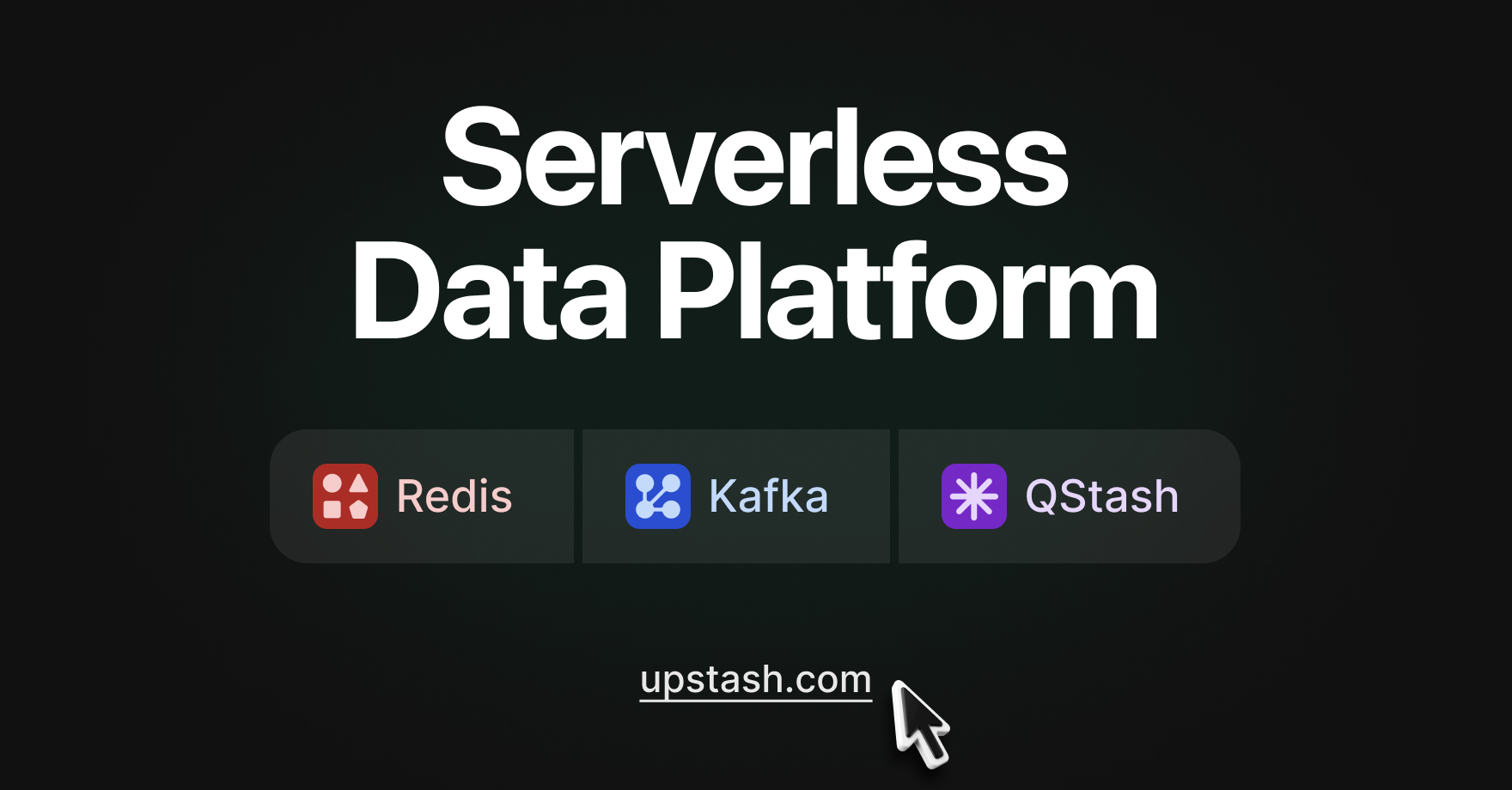
Serverless data platform offering managed Redis, Vector databases, QStash messaging, and workflow services with global low latency and pay-per-use pricing.
Key Features
- ✓Serverless Redis with HTTP/REST API support
- ✓Multi-region replication across 8+ regions worldwide
- ✓Vector database for AI/ML applications
- ✓QStash serverless messaging queue
- ✓Automatic scaling with 99.99% uptime guarantee
- ✓Per-request pricing with cost caps
- ✓Durable persistent storage with in-memory speed
- ✓Edge-compatible with serverless functions
What Is Upstash
Upstash is a serverless data platform built around one core idea: you should not pay for a database when you are not using it. It offers managed Redis, a vector database, QStash (a serverless message queue), and workflow tooling, all accessible over HTTP/REST and priced per request rather than per hour of uptime.
It targets developers building on serverless runtimes like AWS Lambda, Vercel, Cloudflare Workers, and similar edge platforms where long-lived TCP connections and always-on infrastructure are a poor fit. If you are running a traditional server with persistent connections and predictable, high-volume traffic, Upstash is probably not the right tool for you. But if your workloads are bursty, unpredictable, or tied to edge deployments, it fills a genuine gap.
Core Use Cases
Upstash is a good fit for serverless and edge computing environments, letting developers focus on building applications without worrying about resource management. In practice, this translates to a few recurring patterns:
- Caching and session storage via serverless Redis, where spinning up a dedicated Redis instance would be wasteful for low or variable traffic.
- Background jobs and scheduled tasks via QStash, which handles retries, delivery guarantees, and cron scheduling without requiring a dedicated worker process.
- AI/RAG pipelines via the vector database, which lets you store and query embeddings without standing up a separate infrastructure.
Makers of projects like Dub highlight effortless Redis caching plus QStash for cron and background jobs, noting strong scalability.
Who It Is For
Upstash works best for indie developers, small teams, and startups running serverless-first stacks. It is appropriate for cloud-native environments including serverless platforms like AWS Lambda, Vercel, and Cloudflare Workers, and is designed for ease of use without the need to manage infrastructure.
If your team is already deep in a traditional cloud setup with provisioned servers, you will get more value from Redis Cloud or ElastiCache, where raw TCP connection performance and predictable billing matter more. Upstash makes the tradeoff explicit: you get zero infrastructure management and per-request billing in exchange for HTTP-based access, which adds some overhead compared to a direct socket connection.
Pricing Overview
The free tier includes 256 MB of data and 500K commands per month, which is suitable for development, testing, and small production workloads. Beyond that, Upstash moved to a more flexible model in 2024:
| Plan | Commands | Storage | Cost |
|---|---|---|---|
| Free | 500K/month | 256 MB | $0 |
| Pay-as-you-go | Metered per request | Up to 100 GB | Variable |
| Fixed plans | Set monthly limits | Scalable add-ons | Fixed monthly fee |
With per-request pricing, you pay only for what you use. There are also cost caps available to prevent runaway bills, which matters when you are building something that could spike unexpectedly.
Strengths
The HTTP/REST API is the standout. It means Upstash Redis works anywhere you can make an HTTP call, including environments where maintaining a persistent TCP connection is impossible or unreliable. Data is replicated to 8+ regions worldwide for low latency regardless of where your users are.
The developer experience is consistently praised. Developer experience became significantly better than what teams experienced with traditional cloud service providers. Setup is fast, SDKs for JavaScript and Python are clean, and integration with Vercel and similar platforms is near-instant.
Limitations
Latency can be a real issue depending on where you deploy. Some developers report brutal latency and timeouts when connecting to Upstash through certain regions, with performance degradation serious enough to impact end-user experience. HTTP overhead is inherent to the architecture, and if your application makes many small Redis calls in a tight loop, that adds up fast.
Cold starts in Lambda-style environments cause connection re-creation overhead, though warm instances can get latency down to around 1ms for Upstash. The lesson is: benchmark your specific region and runtime before committing.
Bottom Line
Upstash is a well-executed tool for a specific niche. If you are building serverless or edge-native applications and need Redis, a message queue, or vector search without managing servers, it delivers. The free tier is genuinely useful, the pricing model is honest, and the DX is solid. Just go in with realistic latency expectations and test your actual deployment region early.