Claude Code
Anthropic's agentic AI coding tool that understands codebases, edits files, runs terminal commands, and helps developers ship faster.
Key Features
- ✓Agentic codebase understanding and navigation
- ✓Autonomous file editing and creation
- ✓Terminal command execution
- ✓IDE and terminal integration
- ✓Multi-file refactoring capabilities
- ✓Build and test runner integration
- ✓Permission-based tool access controls
- ✓Search and read across entire codebases
Claude Code
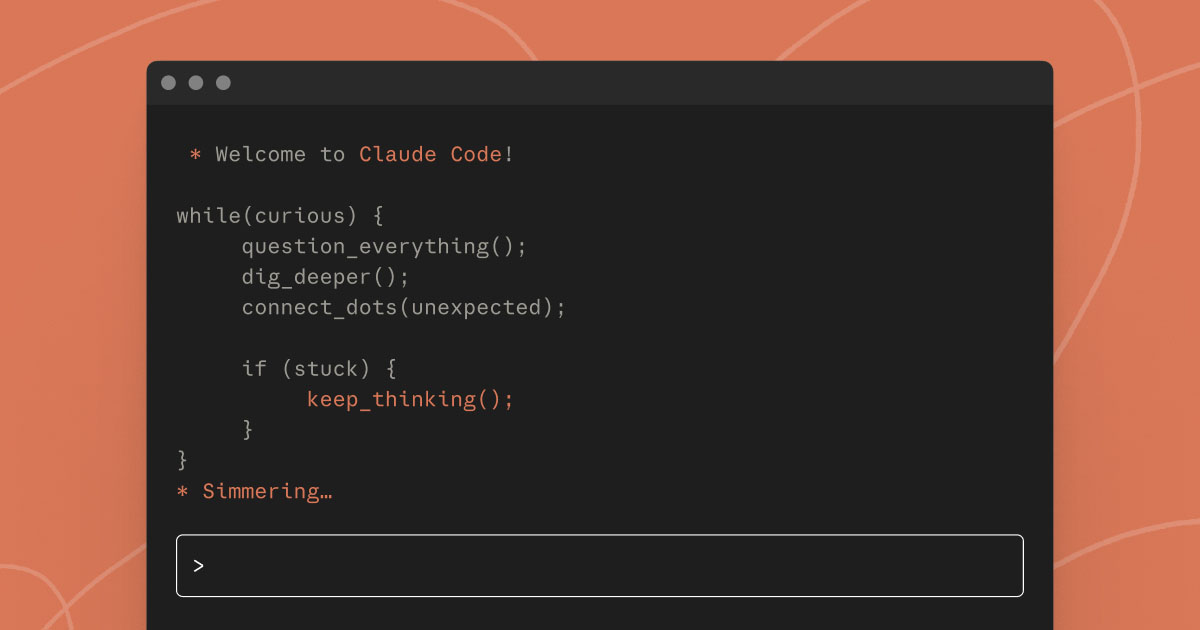
Anthropic's Claude Code is a terminal-first, agentic coding assistant designed to do more than autocomplete lines. It reads your entire codebase, edits files across multiple directories, runs shell commands, executes tests, and works through complex tasks with minimal hand-holding. Claude Code is an AI-powered coding assistant that helps you build features, fix bugs, and automate development tasks, understanding your entire codebase and working across multiple files and tools to get things done.
It launched as a research preview and grew fast. Claude Code proved to be a major success, reaching $1 billion in run-rate revenue just six months after its public release. That kind of adoption signals genuine developer buy-in, not just hype.
What It Actually Does
The core value proposition is autonomy. You give Claude Code a task in plain language, and it figures out what files to touch, what commands to run, and how to verify the result. It follows the Unix philosophy and is composable: you can pipe logs into it, run it in CI, or chain it with other tools. That means it slots into existing workflows instead of forcing you into a proprietary editor.
Anthropic made Claude Code available in Slack, on the web, in integrated development environments, and directly in terminals, so users can work in their preferred environment without context-switching.
Where it particularly shines is on frontend and design-heavy work. Multiple developer comparisons note it has notably strong UI output quality and better success following complex, multi-step instructions than most alternatives. It also handles large codebases well: Anthropic uses Claude Code internally for tasks like reading documentation files, identifying relevant files for specific tasks, and helping newcomers understand data pipeline dependencies, effectively replacing traditional data catalogs.
Who It Is For
Claude Code makes the most sense for developers who need an agent, not an autocomplete. If you want something that can take a feature brief, navigate a large repo, write the code, run the tests, and flag issues without you babysitting every step, this is the category it lives in. It fits solo developers working across big codebases and teams that want to integrate AI into CI pipelines.
For companies with strict compliance and security requirements, Claude deployed on a private cloud is one recommended path. It is less suited to developers who primarily want fast inline suggestions inside their editor and do not need agentic autonomy.
Pricing
Claude's pricing covers Free, Pro, Max, Team, and Enterprise tiers, plus API pricing for developers.
| Plan | Cost | Notes |
|---|---|---|
| Free | $0 | Limited usage |
| Pro | $20/month ($17/month annually) | 5x Free usage |
| Max 5x | $100/month | 5x Pro usage, Opus model access |
| Max 20x | $200/month | 20x Pro usage, highest priority |
| Team | $25/seat/month (annual) | Collaboration features |
| Enterprise | Custom | Private deployment options |
Pro users receive approximately 40 to 80 hours of Sonnet access through Claude Code weekly, while $100 Max subscribers get 140 to 280 Sonnet hours plus 15 to 35 Opus hours per week. The $200 Max plan provides 240 to 480 Sonnet hours and 24 or more Opus hours weekly.
Strengths and Limitations
The biggest genuine strength is depth of reasoning on complex tasks. Claude Opus 4.5 shows 50-75% reductions in both tool-calling errors and build/lint errors, consistently finishing complex tasks in fewer iterations with more reliable execution.
The composability angle is real and underrated. Being able to pipe output from other tools directly into Claude Code and automate CI tasks is something editor-native tools like Cursor do not match as cleanly.
The main friction point is rate limits. Anthropic introduced weekly limits in addition to pre-existing 5-hour rolling windows starting August 28, 2025, after a small number of users were consuming resources at unsustainable rates. Power users running agents continuously around the clock hit ceilings fast, and even at enterprise scale, Anthropic controls the limits, which makes it difficult to build fully reliable automated pipelines without contingency planning.
Compared to Cursor's $200 plan which offers roughly 4,500 Sonnet requests per month, Claude Code's $200 plan offers 200-800 prompts per 5-hour window but includes Opus 4 access. The tradeoffs are real and depend heavily on your workflow.
For developers who live in the terminal and need an agent that can handle genuine complexity across an entire codebase, Claude Code is one of the strongest options available right now. Just go in with clear expectations around usage limits.