Windsurf
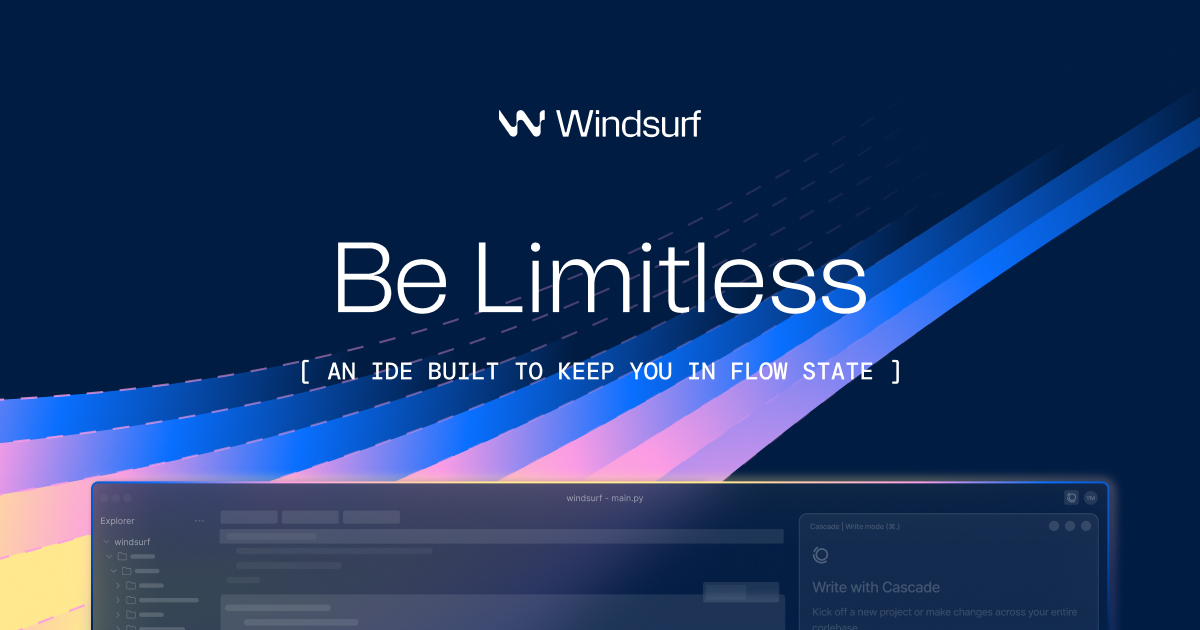
AI-native IDE and coding assistant that keeps developers in flow with autonomous AI capabilities, memory, and multi-tool integrations.
Key Features
- ✓Cascade AI agent with persistent memory of codebase and workflow
- ✓Automatic lint error detection and fixing
- ✓MCP (Model Context Protocol) support for connecting external tools
- ✓Drag and drop image-to-code design building
- ✓Turbo mode for auto-executing terminal commands
- ✓Continue My Work feature to resume previous AI sessions
- ✓Plugin store with one-click MCP server setup (Figma, Slack, Stripe, etc.)
- ✓AI-powered terminal command suggestions
What Is Windsurf?
Windsurf, built by the team formerly known as Codeium, is a full AI-native IDE that goes well beyond autocomplete. It attempts to redefine coding workflows, and in several areas it succeeds. Rather than layering AI onto an existing editor as a plugin, Windsurf is its own environment designed from the ground up around autonomous, agent-driven coding. Instead of being just a plugin for VS Code or JetBrains, Windsurf is its own environment, optimized for agent-driven coding. If GitHub Copilot feels like autocomplete on steroids, Windsurf feels like pair-programming with an AI.
The centerpiece is Cascade, an AI agent that sits at the core of the editor. Cascade is an agentic coding assistant built into the Windsurf IDE that tracks your edits, terminal, clipboard, and browser context to make context-aware suggestions, autonomously edit files, and execute commands. The key differentiator here is continuity: Cascade will autonomously generate memories to remember important context between conversations. That means you are not re-explaining your architecture or conventions every session, which on its own saves a meaningful amount of friction.
Windsurf offers around 200,000 tokens through its RAG-based approach that automatically selects relevant code snippets, giving Windsurf a notable advantage for understanding larger codebases without manual curation. For comparison, Cursor typically lands in the 10,000 to 50,000 token range depending on what you manually include.
Who It's For
Windsurf fits a specific kind of developer well. Windsurf excels at making individual developers more productive through IDE integration. Developers who work alone or in teams that don't need instant collaboration find it a great fit. It also shines for rapid prototyping: if you need to move fast from idea to working code, Cascade's ability to handle multi-file edits, run terminal commands, and track project state autonomously keeps you moving without constant back-and-forth.
For teams seeking scalability and collaboration, Windsurf AI remains one of the most powerful AI coding tools of 2025. Enterprises in regulated industries get particular value from Windsurf's security posture, including zero data retention defaults on the Enterprise plan, HIPAA compliance support, and FedRAMP authorization paths.
Pricing
Windsurf's billing has been simplified from a confusing dual-credit system to a single system of "prompt credits." Here's how the tiers break down:
| Plan | Price | Credits/Month | Notes |
|---|---|---|---|
| Free | $0 | 25 prompt credits | Unlimited tab completions, SWE-1 Lite, 1 deploy/day |
| Pro | $15/user/mo | 500 prompt credits | Full SWE-1 model access, 5 deploys/day |
| Teams | $30/user/mo | Higher allocation | Shared billing, admin controls |
| Enterprise | $60/user/mo | Custom | ZDR defaults, SSO, compliance support |
Tab completions and AI command instructions are unlimited on all plans, including Free. The credit system applies to Cascade agent usage. The variable token costs and the potential for overage fees mean it's still a usage-based model, which comes with the risk of surprise bills, particularly for teams.
Strengths and Limitations
The strongest case for Windsurf is Cascade's awareness. Windsurf's memory system is arguably its standout feature. Over time, it learns your codebase, avoiding repetitive explanations, which is a pain point for most AI coding assistants.
The UI leans clean and minimal compared to Cursor. Windsurf is a little simpler, a little more intuitive, and with a slightly nicer and more polished UI , though some developers will miss Cursor's deeper configuration options and power-user controls.
The main friction points are real. Consistency is a challenge: lower-tier models on the free plan often produce verbose or slightly inaccurate code, while premium models deliver coherent results but are gated by usage limits or subscription tiers. Cascade can feel like a brilliant partner, but one that occasionally forgets what it should be doing. There is also a split experience to be aware of: the full agentic experience lives in the Windsurf Editor; plugins deliver autocomplete and chat but not every Editor-only workflow. If your team is spread across JetBrains, VS Code, and Neovim, the experience will be uneven.
Overall, Windsurf is a serious tool for developers who want an AI agent that actually tracks their work, not one that needs constant hand-holding. If you are willing to commit to the IDE itself, the combination of Cascade's memory, broad context window, and MCP extensibility puts it genuinely ahead of most alternatives for complex, multi-session projects.