Cursor Launches iOS App in Public Beta for All Paid Plans
Cursor's native iOS app is now in public beta on all paid plans, letting developers launch cloud agents, remote-control desktop sessions, and merge PRs directly from their phone.
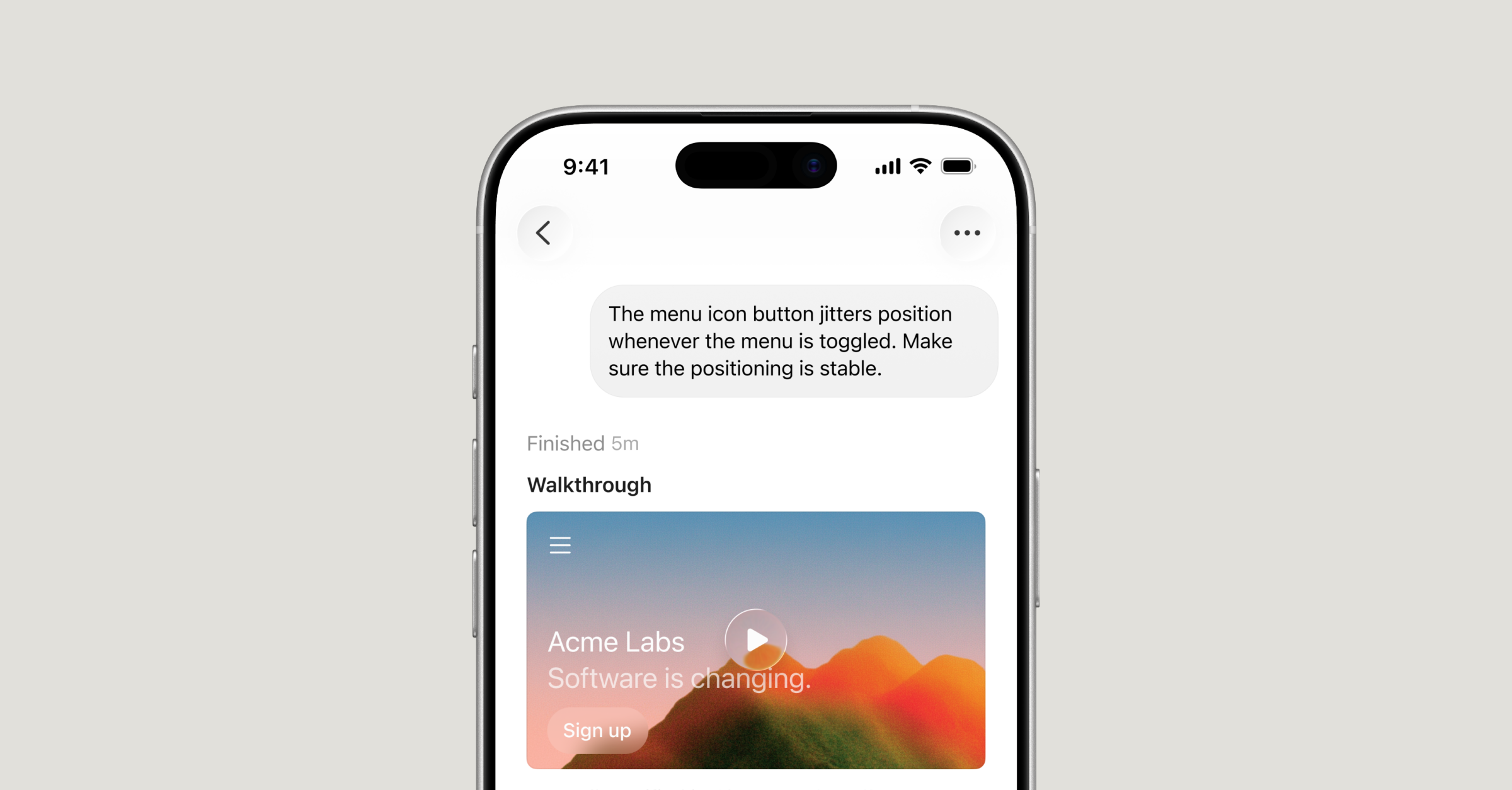
Image by Cursor
Cursor shipped a native iOS app in public beta on June 29, making it available immediately to all users on paid plans. The app lets developers launch and manage always-on cloud agents from their phone, remote-control agents running on their desktop, and review diffs or merge pull requests directly from mobile.
The release closes a significant workflow gap. Until now, developers had to stay near their machines to manage agent sessions. With the mobile app, work can continue asynchronously: launch an agent when an idea strikes, get notified when it finishes, and act on it without opening a laptop.
Cloud Agents on Mobile
The iOS app connects directly to Cursor's cloud agent infrastructure. Developers open the app, select a repo, and launch a cloud agent the same way they would on the desktop. Cloud agents run in isolated virtual machines with full development environments — they can test, verify, and produce demo artifacts while running in the background without tying up the developer's local machine.
The app supports voice input for describing tasks, slash commands for guiding agents, and model selection across all frontier models Cursor supports. Sessions are fluid between mobile and desktop — start a task from your phone and pick it up on your computer without losing context.
Remote Control
Remote Control allows developers to take an agent already running on their desktop and continue directing it from their phone. A toggle in the app keeps the connected machine awake so it remains reachable while the developer is away. On Teams and Enterprise plans, admins must enable Remote Control from the Cursor Dashboard before members can use it.
Live Activities and Push Notifications
Cursor uses iOS Live Activities to surface agent status directly on the lock screen. Push notifications fire when an agent finishes a task, needs input, or is ready for review. Once an agent completes its work, the app surfaces what it produced — screenshots, logs, and diffs — so developers can validate results, leave follow-up instructions, or merge the PR without switching to a laptop.
How Cursor's Own Team Uses It
Cursor says its own team uses the mobile app for on-call incident response — kick off an agent investigation during lunch and return to a PR ready for review. Developers are also using it to resolve time-sensitive customer-reported bugs while away from the desk, and to act on UI feedback seen on social platforms by annotating screenshots and sending them directly to an agent as visual context.
Pricing and Availability
Cursor for iOS is available now in public beta on all paid plans. Hobby plans are not included. As a launch incentive, Composer 2.5 runs through the mobile app are discounted 75% through July 5, 2026. The app is live on the App Store today.
Looking ahead, Cursor says it is working on repo-less chats — tasks that do not require a codebase connection — to make quick ad hoc requests easier from mobile. Teams are already using Cursor via MCP to query Datadog logs and summarize Slack activity without needing a code context.