Gemini Spark Comes to Mac With Local File Access and MCP Support
Google has added Gemini Spark to the Gemini desktop app for macOS, giving it access to local files, MCP server connections, real-time topic tracking, and new integrations with Canva, Dropbox, and more.
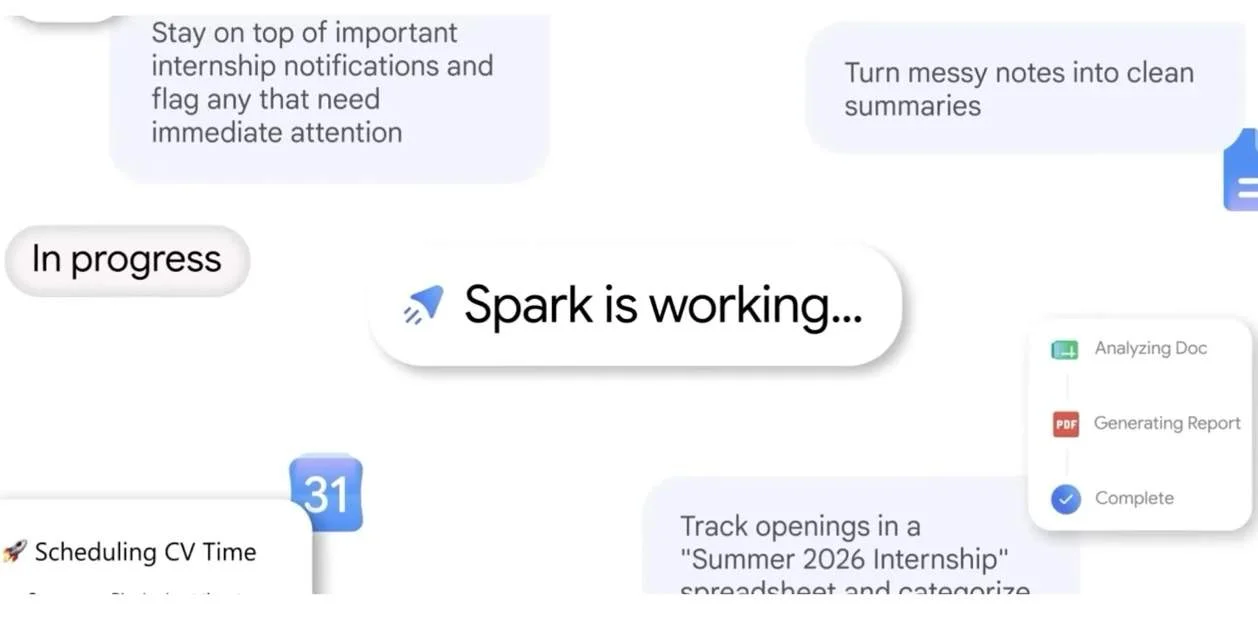
Image by CWA
Google launched Gemini Spark for macOS on July 1, adding the AI agent to its existing Gemini desktop app. Previously available only in the browser and on mobile, Spark can now access files stored locally on a Mac — sorting, organizing, and feeding them into Google Workspace tools — and connect to external services via the Model Context Protocol.
The launch puts Gemini Spark more directly in competition with desktop AI agents that already operate at the operating system level, including Anthropic's Claude Desktop and OpenAI's ChatGPT desktop agent.
What Spark Does on Mac
Spark's core function is task execution rather than conversation. Instead of answering questions, it performs actions — and the macOS integration extends that to local files for the first time.
Users can ask Spark to sort PDFs in a Downloads folder into labeled subfolders, pull figures from locally saved invoices and build a Google Workspace spreadsheet on a recurring schedule, or pull content from local files into a Google Doc or Sheet. The agent runs against files only in folders the user explicitly grants access to; access can be revoked at any time.
Google says a future update will let users start tasks on their Mac from a phone — for example, asking Spark to find a specific file and email it while you're away from your desk.
MCP Support Changes the Extensibility Story
The addition of MCP (Model Context Protocol) support is the most significant development for developers in this release. Rather than being limited to Google's curated partner list, MCP allows users and developers to connect Spark to any MCP-compatible server, building custom integrations with tools not covered by first-party connections.
This aligns Gemini Spark with the broader trend in AI tooling toward MCP as the standard protocol for extending agents. Claude Code, Cursor, and Devin Desktop all support MCP; Spark's addition brings Google's agent into that same ecosystem.
New Integrations and Real-Time Tracking
On web and mobile, Spark is adding connections to Canva, Dropbox, Instacart, OpenTable, and Zillow Rentals over the next week — expanding from office work into broader consumer workflows. Google Tasks and Google Keep are now supported for task and note management.
Spark also gains real-time topic tracking: users can set it to monitor a stock price threshold, a sports result, or a news topic and receive updates automatically when conditions are met. This moves Spark from a task-runner toward a persistent background agent with ongoing awareness.
Access and Limitations
Gemini Spark for macOS is in beta, available only to Google AI Ultra subscribers in the United States aged 18 and older. Google AI Ultra costs $99 per month. The third-party app integrations rolling out to web and mobile will reach the macOS app in the coming weeks — not at launch.
At launch, macOS Spark is primarily useful for local file management and Workspace integration, with broader consumer integrations coming later.
The Privacy Trade-off
A meaningful caveat for developers: despite operating on local files, Spark processes everything through Google's cloud infrastructure. When Spark accesses a folder on your Mac, those files are handled in a cloud environment rather than exclusively on-device. Google's implementation includes a backup-before-deletion safeguard and an approval prompt before any destructive task, but data does pass through Google's cloud.
Spark's architecture is best understood as cloud-native with local file access, not as an on-device agent. The distinction matters for sensitive codebases or proprietary data. Each task executes inside a fresh, isolated ephemeral virtual machine on Google's infrastructure that is destroyed once the task completes, with all traffic routing through a secure Agent Gateway.
For developers evaluating Spark as part of their workflow toolchain, the MCP support and local file access are genuinely useful additions, but production use on code repositories with sensitive data warrants reviewing Google's privacy documentation before granting folder access.